

One page or several? When a Carrd site outgrows its sections
Carrd is one of the best deals on the web. $19 a year gets you a custom domain, forms and 10 sites (pricing). For a profile, a link-in-bio or a launch page, it’s hard to argue with.
Every Carrd site is one page. Its sections let you “simulate the effect of having multiple pages on a one-page site”: visitors click a link and the view changes, but it’s still one page underneath.
That’s often fine. This piece is about spotting when it stops being fine.
Disclosure up front: we make Swebsy, a visual builder for multi-page static sites. So weigh what follows. Every Carrd fact links to Carrd’s own pages, checked 30 September 2026.
When one page is exactly right
Section titled “When one page is exactly right”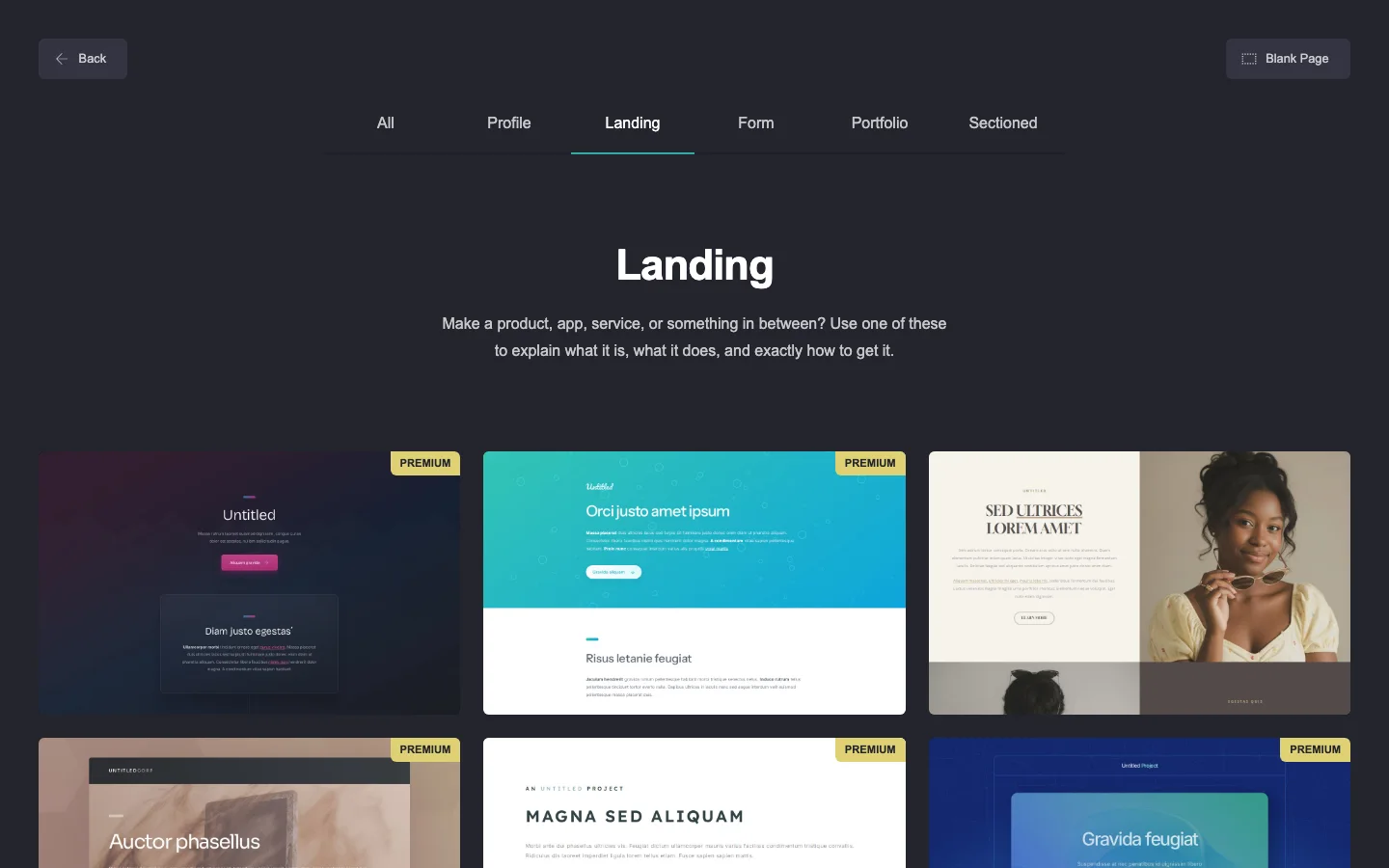
- A personal profile: a bio, a few links, a contact button.
- A launch or waitlist page with one form.
- An event page that will be gone in a month.
If your site fits one scroll and one message, one page is a feature. Fewer controls, less to maintain, and Carrd’s editor gets you live in an evening.
Signs you need real pages
Section titled “Signs you need real pages”- You want to share a link to one thing. “Here’s my pricing” should be
/pricing, with its own title and preview card when it’s pasted into a chat. - Each part has its own audience. Services for clients, case studies for referrers, an about page for the curious.
- The page has become a long scroll you’re afraid to touch, because moving one section shifts everything else.
- You want a page per service or location so each one can answer a specific search.
Don’t move for SEO myths, though. One page versus several won’t rank you by itself. Useful content and working links matter far more.
What changes with real pages
Section titled “What changes with real pages”Each page becomes its own file with its own address, title and description. In
Swebsy, every page exports as its own HTML file and gets its own entry in the
sitemap.xml.
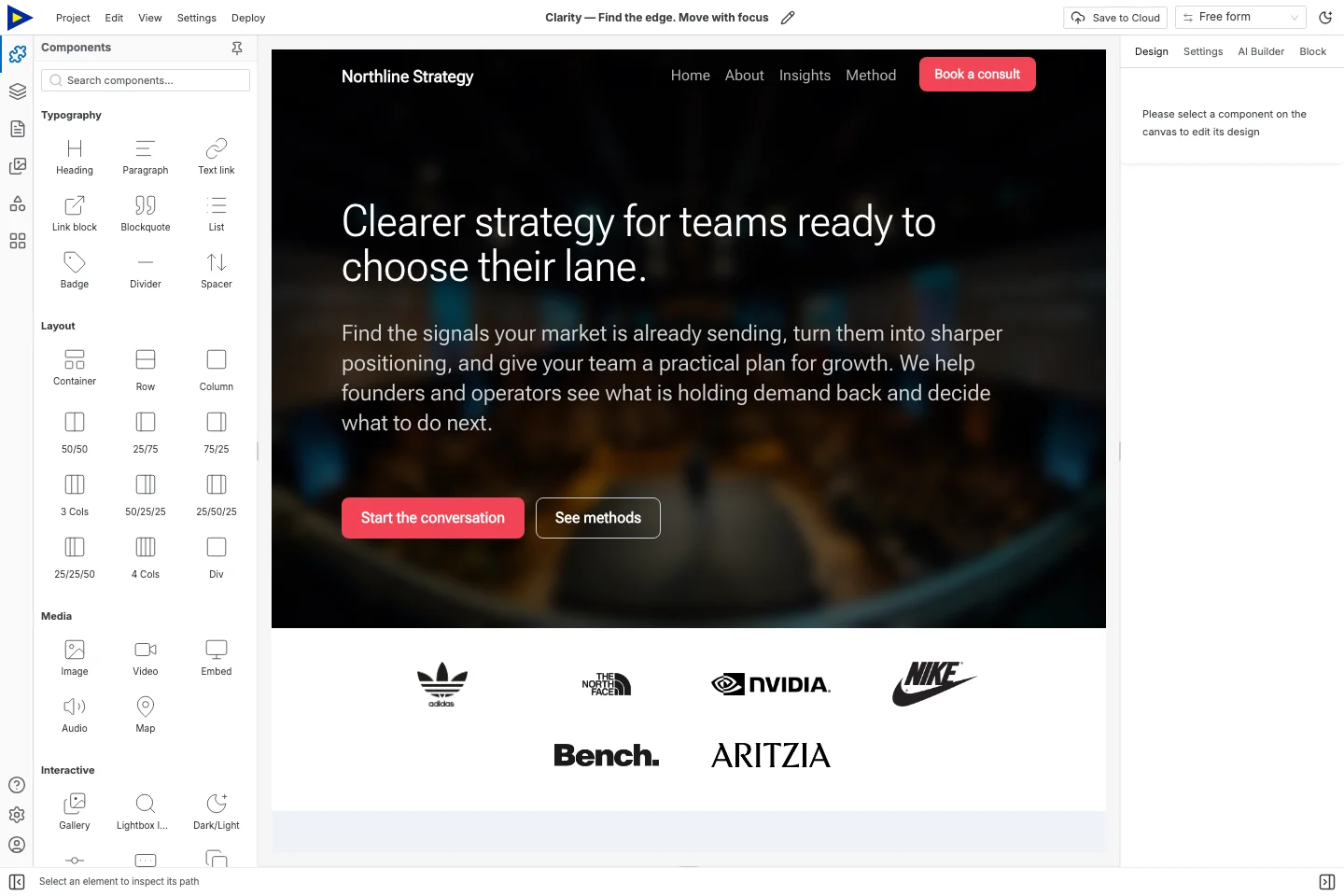
Shared parts stay shared. A navbar or footer made into a symbol updates on every page at once, so five pages aren’t five times the upkeep.
What it costs you
Section titled “What it costs you”Honestly, some things get worse:
- Price, if you want hosting. Carrd’s $19/year is cheaper than our hosted plans ($69/year). Swebsy is cheaper only if you host the files yourself on GitHub Pages or Cloudflare Pages, which is free.
- Simplicity. Swebsy has a full design panel, layers and theme tokens. There’s more to learn.
- Forms. Carrd’s forms plug straight into mailing tools like Mailchimp or Kit. In Swebsy, forms collect on Swebsy Hosting, or post to a form service you choose.
And one thing gets better: the files. Downloading a Carrd site needs Pro Plus ($49/year), forms stop working in the download, and “the downloaded version of a site cannot be uploaded back to the Carrd platform” (source). Swebsy’s export is free, and its separate project backup can be imported again to keep editing.
The short version
Section titled “The short version”If your Carrd site does its job and updating it feels easy, stay. Move when you can name the page you’re missing, and not before.
The full side-by-side, with prices for a few common jobs: Swebsy vs Carrd.