

Static or dynamic? What exporting a visual-builder site really gets you
“Can I export it?” gets a yes from more visual builders every year. The better question is: export it as what?
There are two answers. A static export is a folder of files any web server can hand out. A dynamic export is an application that runs code on every request. They differ in where you can host them, what they cost to run, and what still works once they’ve left the builder.
Webstudio is a useful example because it offers both. Disclosure up front: we make Swebsy, a visual builder that only does the static kind. So weigh what follows. Every Webstudio fact links to Webstudio’s own docs, checked 30 September 2026.
Dynamic: an app you run
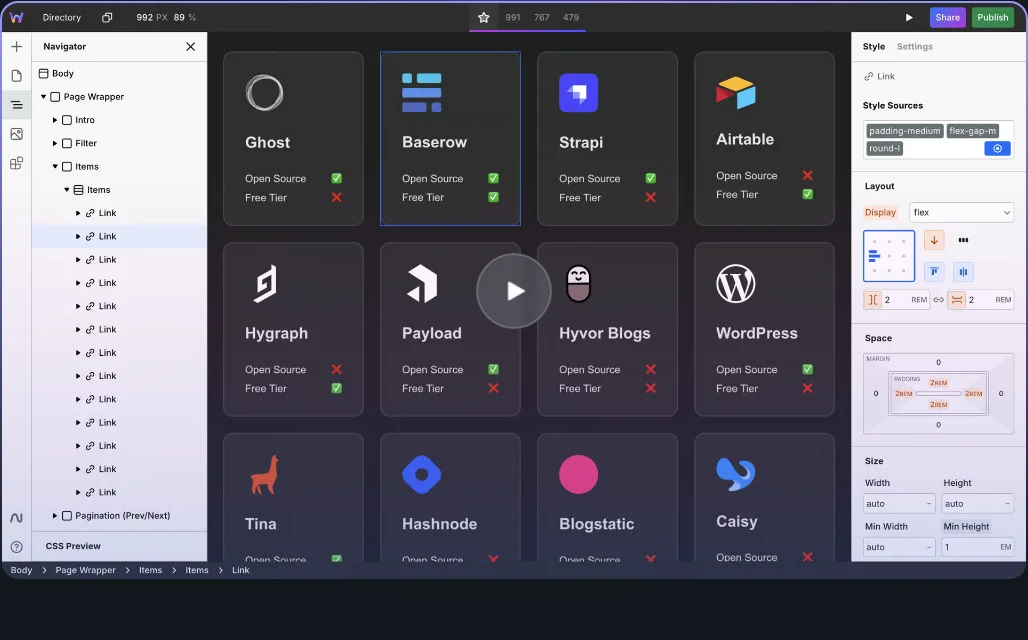
Section titled “Dynamic: an app you run”Webstudio’s JavaScript application export builds a Remix app. It’s what Webstudio Cloud itself runs, and it supports CMS integrations, webhook forms, image optimization and redirects.
The cost is hosting. Webstudio’s docs say it “requires hosting that works with apps”: a platform like Vercel or Netlify, or your own server. Someone has to keep that app updated and running.
Pick this when pages come from a CMS at request time, or the site needs server-side behaviour.
Static: a folder of files
Section titled “Static: a folder of files”A static export is HTML, CSS, JavaScript and images. GitHub Pages, Cloudflare Pages, an S3 bucket or a company web server can all serve it, many of them for free, and there’s nothing to patch.
What you give up depends on the builder. Webstudio’s docs list what its static export does not support:
- dynamic pages
- redirects and status codes
- client-side navigation
- webhook forms
- image optimization
robots.txtandsitemap.xml
That’s not a flaw in Webstudio. Several of those need a server by definition. But the last three are things a static build can do ahead of time, and it’s worth checking which ones your builder does.
A checklist for any static export
Section titled “A checklist for any static export”Before you trust an export, unzip it and look for:
- A file per page, with each page’s title, description and canonical URL
in its
<head>. sitemap.xmlandrobots.txt, or a plan to write them.- A
404.html, so missing URLs don’t fall back to the homepage. - Optimized images. Are the photos still multi-megabyte PNGs?
- Forms. Where does a submission go? Send a real test from the live site.
- Redirects. If old URLs need to move, you’ll set them on the host.
What Swebsy’s static export does
Section titled “What Swebsy’s static export does”Swebsy only exports static sites, so it does the static work at export time.
Deploy → Export code gives you one HTML file per page, a single stylesheet,
your assets and fonts, a sitemap.xml, a robots.txt and a 404.html.
├── index.html├── about.html # one file per page├── 404.html├── css/│ └── styles.<hash>.css # every style, in one file├── assets/ # your images├── fonts/ # self-hosted fonts├── sitemap.xml└── robots.txtImage optimization is a setting: turn it on and photos are re-encoded to WebP or AVIF during the export, with every link updated to match.
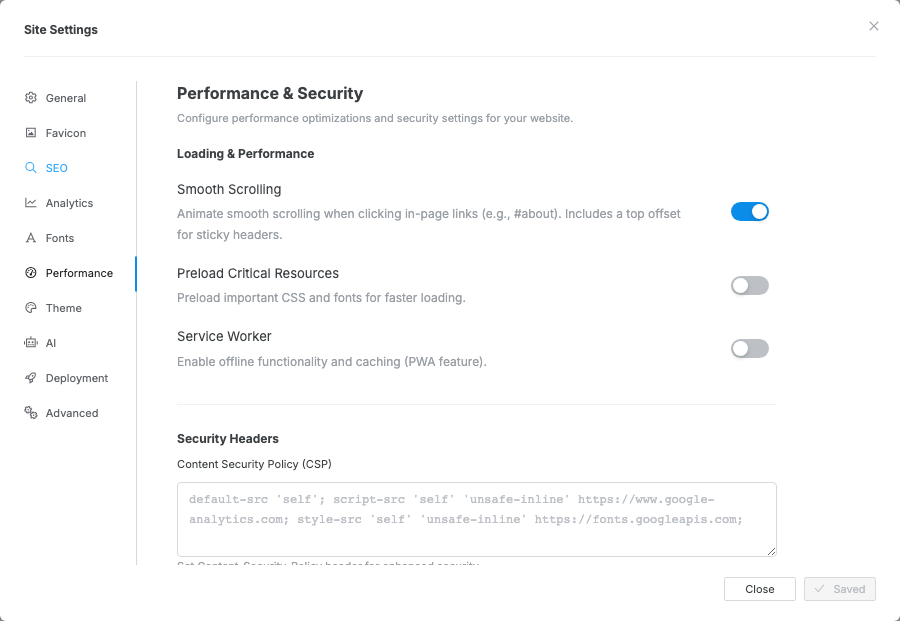
What it doesn’t do: dynamic pages, a CMS, or redirects (set those on your host). Forms collect on Swebsy Hosting, or post to a form service you choose anywhere else. The export is free on every plan, with no account; on the free plan the pages carry a small “Made with Swebsy” badge.
The short version
Section titled “The short version”If your pages exist before anyone visits them, a static export is simpler, cheaper and easier to keep running. If pages are built from a CMS per request, you need the dynamic kind, and a host that runs apps.
The full side-by-side, with prices: Swebsy vs Webstudio.