

Accounts & sign-in
Do you need an account?
Section titled “Do you need an account?”No — not to build. Swebsy’s free tier is fully local: your project lives in your browser, and you can design, export a static ZIP, and deploy to GitHub Pages without ever signing in. You can also upload the exported ZIP to any static host.
An account exists for one reason: the cloud features on Swebsy’s paid plans.
| Feature | Needs an account | Needs a paid plan |
|---|---|---|
| Build, theme, export a ZIP | No | No |
| Deploy to GitHub Pages or export for another host | No | No |
| Cloud sync and version history | Yes | Yes |
| Swebsy Hosting and custom domains | Yes | Yes |
Create an account
Section titled “Create an account”- Open the Swebsy home page (My Sites).
- Click Sign in at the top right.
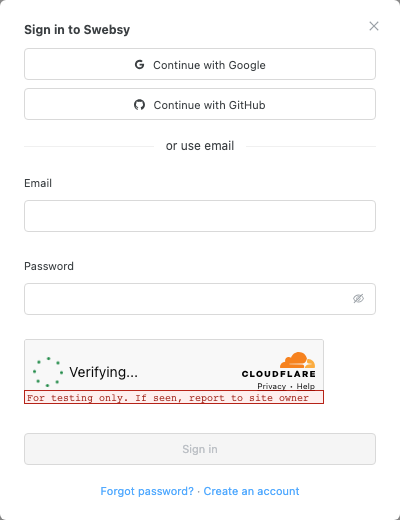
Choose Continue with Google, Continue with GitHub, or enter an email address and a password of at least 8 characters.
- For email sign-up, enter your name, then click Create account.
- Open the verification email and click the link inside.
Verify your email before you try to subscribe or start a trial — checkout is blocked on unverified accounts.
Passwords are checked against known breach databases, so a password that has appeared in a public breach is rejected even if it meets the length rule. Pick something unique.
Account settings
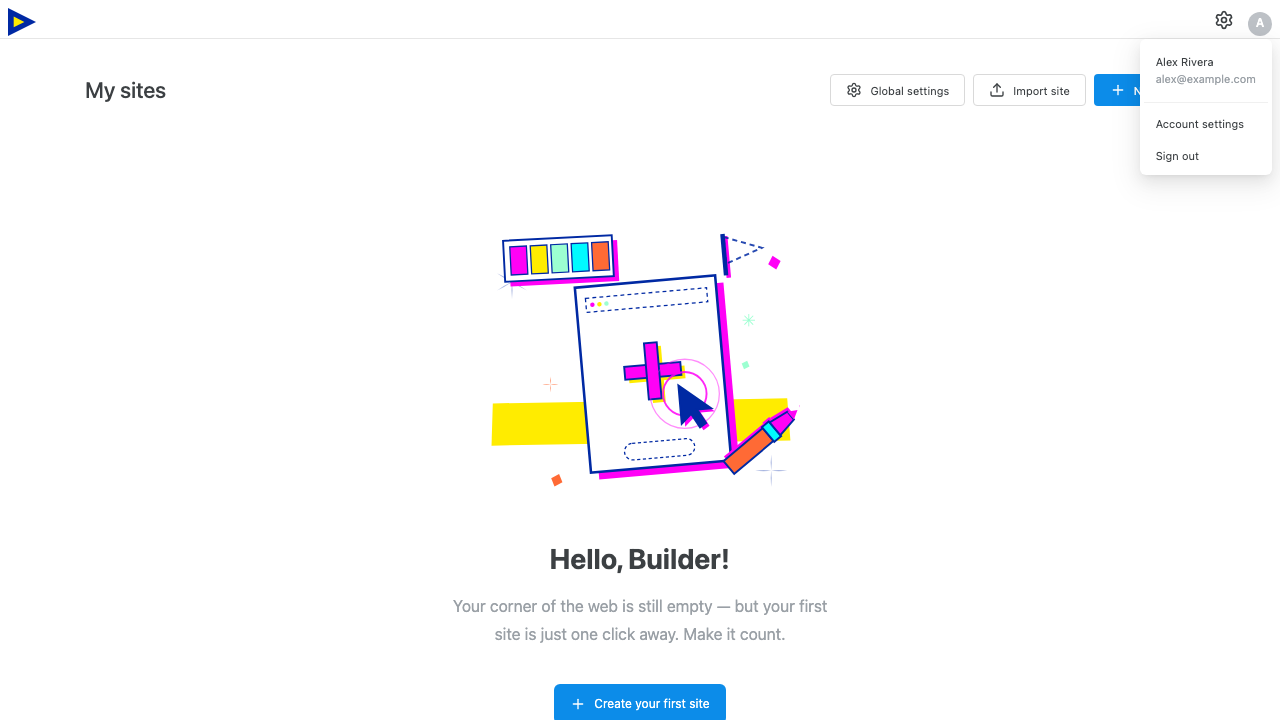
Section titled “Account settings”Click your avatar → Account settings. The modal covers:
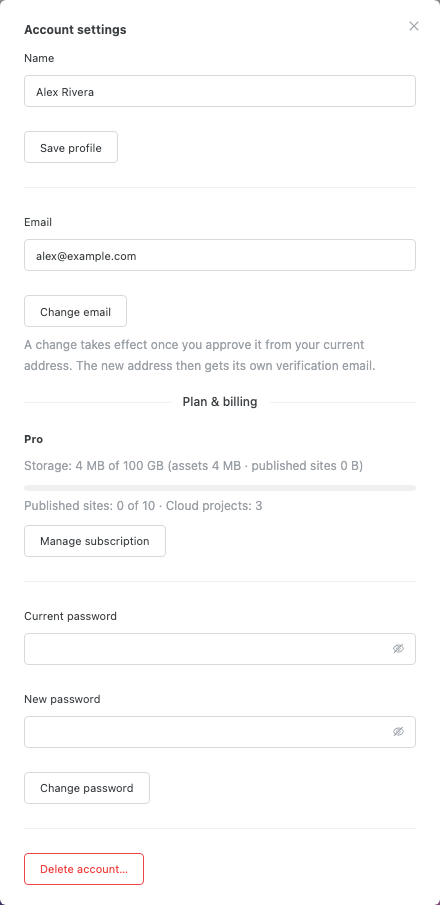
- Email — change the address on the account. If your current address is already verified, the change only takes effect after you approve it from the current address; the new address then receives its own verification email. Both the current account and the new mailbox must prove control before the address changes.
- Name — the display name shown in the account menu.
- Password — set a new password using your current one. Not shown if you only ever signed in with Google or GitHub.
- Plan and usage — see Plans & billing.
- Delete account — permanent, described below.
Signing in on another device
Section titled “Signing in on another device”Sign in with the same account and your cloud projects are listed and can be pulled down. This is the supported way to move a site between machines once it is cloud-linked — see Cloud sync.
Projects that were never saved to the cloud do not travel with your account. Move those with a backup file.
Deleting your account
Section titled “Deleting your account”If the account has an email password, deletion asks for it. Accounts that only use Google or GitHub confirm with their current signed-in session instead. It removes cloud data only — sites stored locally in your browser are untouched and keep working on the free tier. Export a backup of anything that only exists in the cloud before you delete.
No verification email — check spam, then open Account settings and click Resend verification email. Resends are limited to five per hour.
A password that meets the 8-character minimum is rejected — it may have been found in a public breach database. Choose a different unique password.
Too many attempts — sign-in, sign-up, verification-email, password-reset, and password-change requests are rate limited (10 sign-ins per 15 minutes; five of the other operations per hour). Wait and try again.
Signed in but the cloud buttons do nothing — cloud sync and publishing need a paid plan. See Plans & billing.