

Create a freelance portfolio that makes enquiries easy
A portfolio has one job: help someone decide if you’re right for their project. A few relevant pieces, with your part in them made clear, do that better than a huge gallery nobody can make sense of.
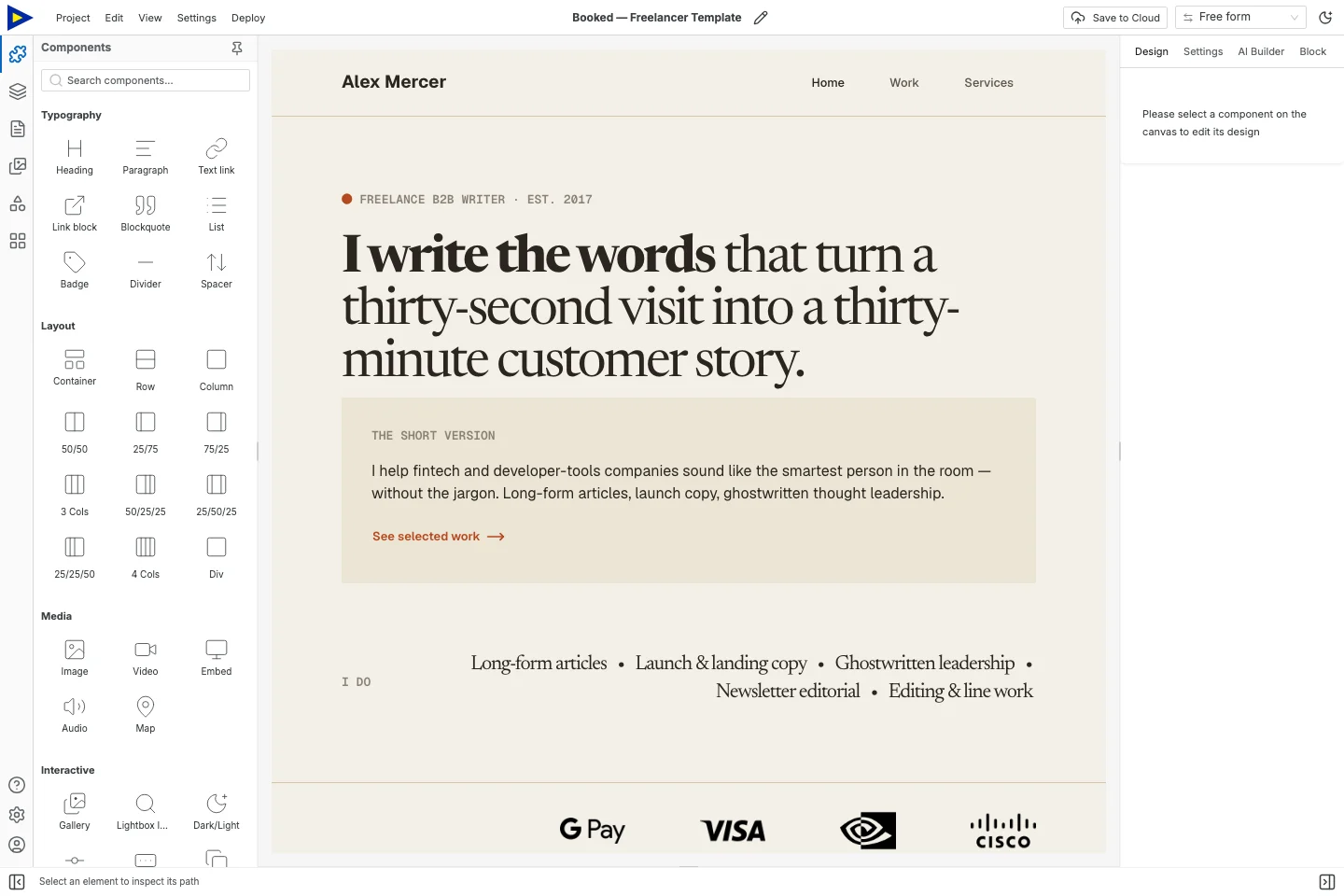
This guide uses Booked, a work-and-services template. Its clients, projects, testimonials and numbers are all demo content.
Gather your material first
Section titled “Gather your material first”Pick two or three projects that match the work you want next. For each one, collect:
- An image or excerpt you’re allowed to publish.
- The original problem or brief.
- What you did, specifically.
- The decisions or deliverables that were yours.
- A result you can back up, or an honest description of what you delivered.
Confidential or unpublished work? Get permission first. Personal projects are great, as long as they’re labelled as personal. A practice redesign isn’t client work, so don’t present it like one.
Just starting out? One well-explained project beats six unexplained thumbnails.
1. Set up three clear pages
Section titled “1. Set up three clear pages”Open Booked from the button at the bottom of this guide. Its Home, Work and Services pages are your starting structure.
| Page | The question it answers |
|---|---|
| Home | What do you do, and for whom? |
| Work | What evidence helps me judge your work? |
| Services | What can I ask you to help with? |
Put a contact button on every page. Add a separate Contact page if enquiries need more explaining.
2. Say what you do in plain words
Section titled “2. Say what you do in plain words”Swap the hero for something specific, like “Brand identity and launch websites for independent food businesses”. Use words that describe your practice, not the template’s.
Under it, say what you deliver or what problem you solve. “I turn a scattered pile of materials into a consistent identity and website” tells people far more than “creative solutions for ambitious brands”.
Don’t promise work you can’t deliver just to make the page feel full. If you work with specialists, say who does what.
3. Turn each project into a mini case study
Section titled “3. Turn each project into a mini case study”Use this as a worksheet:
| Part | What to include |
|---|---|
| Context | What the client or project needed |
| Role | What you personally did |
| Work | Two or three decisions that mattered |
| Evidence | Images, writing excerpts, or deliverables |
| Outcome | What changed, or what got finished |
Writers: show a readable excerpt and link to the published piece. Designers: show enough detail to explain a decision. Consultants: walk through the problem, process and deliverable without leaking anything confidential.
Results need context. Don’t take credit for a client’s revenue growth unless you can actually connect it to your work. Describing the deliverable honestly is enough.
4. Make the images work on a phone
Section titled “4. Make the images work on a phone”Upload your images through Assets. Give each one useful alt text and check how it crops in the layout. A screenshot full of tiny text might need a close-up and a sentence of explanation next to it.
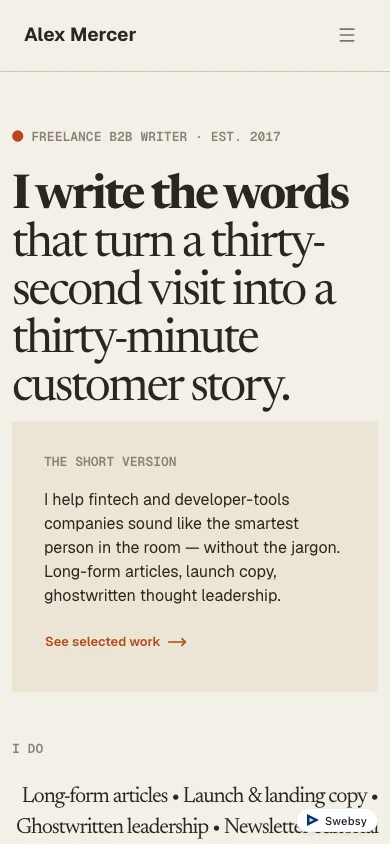
Keep decorative images out of the way of the work. If one project needs more room, give it its own page instead of making every image in the gallery huge.
5. Explain your services and the next step
Section titled “5. Explain your services and the next step”For each service, say what people get, who it’s for, and what you need to get started. Only publish a price or turnaround you’ll actually stick to.
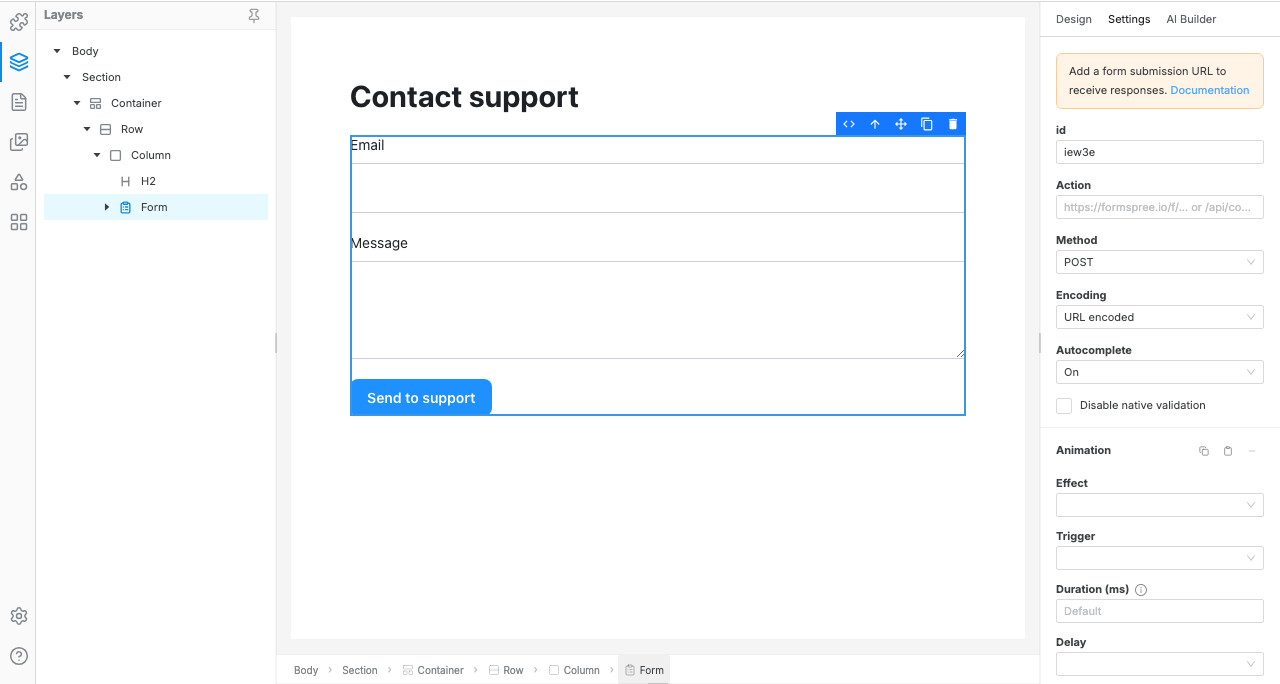
The contact action can be an email link, a link to your booking tool, or a form. A booking link doesn’t turn Swebsy into a scheduling system. It’s just a link.
If you use a form, only ask for what you need to reply: contact details, project type and a short description. Set up where it goes and test it on the live site using the forms reference.
6. Read it like a potential client
Section titled “6. Read it like a potential client”Go through the site from the top as if you’ve never heard of yourself:
- Can someone tell what you do and what work you want?
- Does every example explain your part in it?
- Are all the sample testimonials and placeholder logos gone?
- Can you reach the contact action from every page?
- Do the navigation and outside portfolio links work?
- Is your contact info current?
Then ask someone who doesn’t know your work to tell you what you offer. Their answer shows you unclear wording that no layout tweak will fix.
Publish and keep it current
Section titled “Publish and keep it current”Export an editable backup before big changes. Keep a dated note of which work you have permission to show. When a project link dies, update the case study instead of leaving a broken link.
Handing a site to a client? Give them the static files and the editable project backup, plus a note on who looks after hosting and future changes. The two exports do different jobs.