

Custom domains
A custom domain serves your Swebsy-hosted site from a hostname you own. SSL is issued and renewed for you — there is no certificate to buy, install, or remember to renew.
This applies to Swebsy Hosting only. If you publish to GitHub Pages, set the domain up there instead.
Use www, not the bare domain
Section titled “Use www, not the bare domain”Set up a redirect from the bare domain to your www hostname at your DNS or
registrar — most providers offer this as a one-field “redirect” or
“forwarding” rule. Visitors who type example.com then land on
www.example.com, which Swebsy serves.
Add the domain
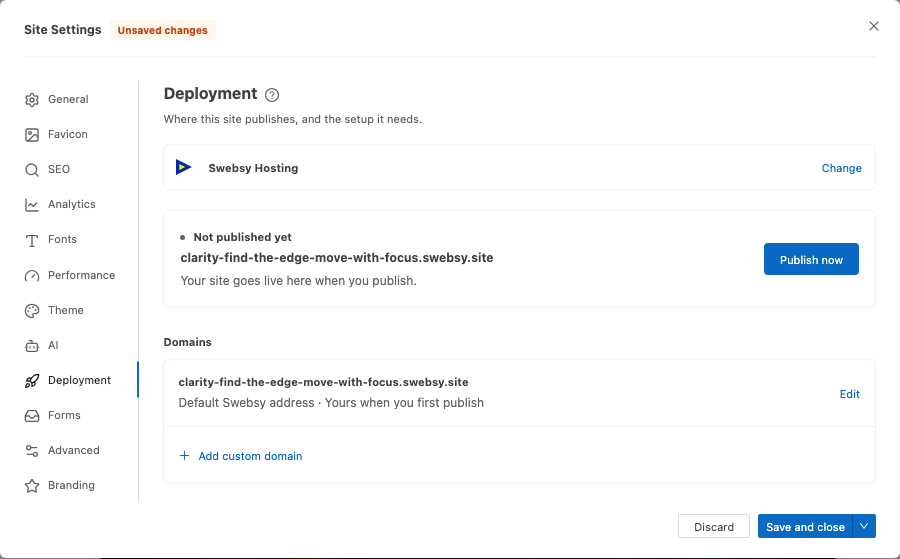
Section titled “Add the domain”- Open Settings → Deployment with Swebsy Hosting selected.
- Under Domains, click Add custom domain.
- Enter the hostname, such as
www.example.com. - Click Add domain.
Swebsy then lists two DNS records to add, as two numbered steps, and shows Waiting for DNS records under the hostname.
Add the DNS records
Section titled “Add the DNS records”At your DNS provider, add both records. Each step in the panel has its own Pending / Verified status, and every name and value has a copy button.
1. Verify your domain — proves you own it.
| Type | Name | Value |
|---|---|---|
TXT |
_swebsy-verify.www |
the token in the panel |
2. Point your domain to Swebsy — sends visitors to your site.
| Type | Name | Value |
|---|---|---|
CNAME |
www |
the target shown in the panel |
The panel shows the short name (www), which is what most providers expect:
they add your domain to the end themselves. If your provider wants the full
name instead, use _swebsy-verify.www.example.com and www.example.com. If
the short name looks wrong, such as for a .co.uk domain, use the full name.
While you wait, the status under the hostname moves through:
- Waiting for DNS records — the TXT record has not been seen yet.
- Checking domain connection — ownership is verified; waiting for the CNAME to reach Swebsy.
- Securing your domain (HTTPS) — the certificate is being issued.
Swebsy checks automatically every 15 seconds while the panel is open. Check status checks right away.
Verification and certificate issuance usually finish within a few minutes of the records becoming visible. DNS propagation itself can take longer, depending on your provider and the record’s previous TTL.
Diagnosing a domain that won’t go live
Section titled “Diagnosing a domain that won’t go live”Click Diagnose DNS. Swebsy looks up the record live and tells you exactly what is wrong:
- DNS looks right — the CNAME resolves to the expected target. If the status is still pending, give propagation and certificate issuance a few more minutes.
- Points at something else — the CNAME exists but targets a different host. Correct the target value.
- No CNAME found — the name answers with an IP address — there is an A record in the way, or a Cloudflare-proxied record. Switch it to DNS-only, or replace the A record with the CNAME.
- No DNS record found yet — the record has not appeared. Check you added it to the right zone and that it has had time to propagate.
- Your domain has CAA records — CAA restricts which authorities may issue
certificates for your domain. If SSL stays pending, allow
letsencrypt.organdpki.goog, or remove the CAA records.
Removing a domain
Section titled “Removing a domain”Open the ⋯ menu next to the hostname, choose Remove domain, and confirm.
The domain stops serving your site immediately, and your swebsy.site address
serves it again instead of redirecting. Publish an update so your sitemap and
canonical links move back too. Then delete both records at your DNS provider so
the name does not dangle.
“Custom domains aren’t enabled on this server yet.” — custom domain support is not configured on the Swebsy instance you are using. Contact support.
Adding the domain shows an upgrade prompt — attaching a new hostname needs an active paid plan. This is the one thing the 30-day grace period does not cover; domains you already added keep serving until grace ends. See Plans & billing.
Hostname rejected — bare domains are not accepted. Use www. or another subdomain.
Stuck on Waiting for DNS records — the TXT record is missing or misnamed. Check the name against the panel; on providers that add your domain automatically, a full name ends up doubled (_swebsy-verify.www.example.com.example.com).
Domain active but SSL pending — usually CAA records. Run Diagnose DNS; the panel names the authorities to allow.
Was working, now offline — if your subscription ended, custom domains stop serving when the 30-day grace period closes. Resubscribe and republish.