

Build a useful small-business website
Most service business sites only need to answer a few things fast: what you do, where you work, whether you’re available, and how to reach you. Get those right and you’re most of the way there.
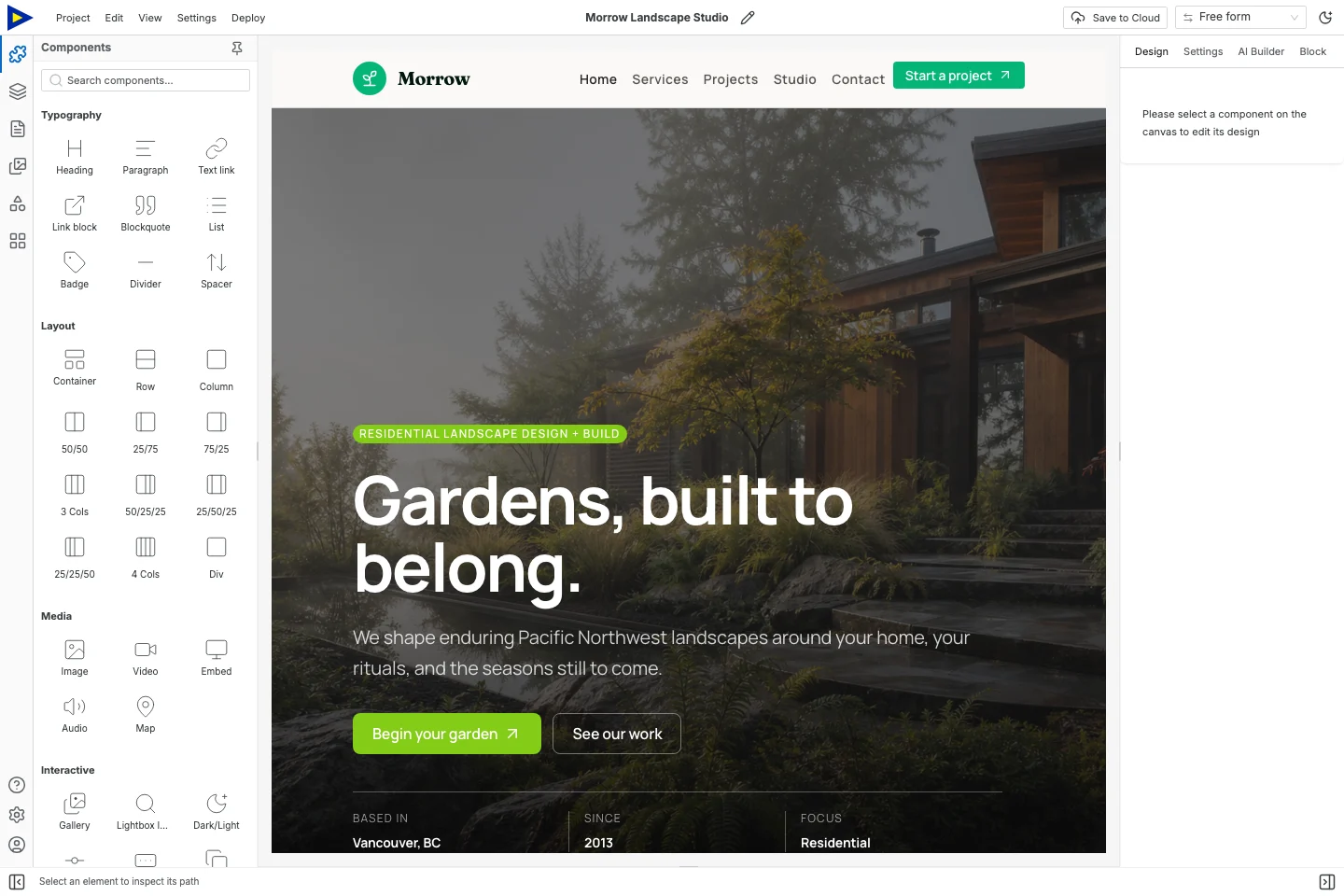
This example uses Morrow, a landscape-studio template. Adapt its Home, Services, Projects, Studio and Contact pages to your business. The photos, project stories, claims and contact details in it are all examples.
Decide what the site is for
Section titled “Decide what the site is for”Write down the one thing you want a visitor to do. Call you? Ask for a quote? Email? Open your booking page? Pick one and give its button a specific label.
A service site can link out to a booking or payment provider. If you need inventory, staff scheduling, customer logins or checkout, pick those tools separately. Swebsy builds the public pages, and they’re static.
Editing and exporting locally is free. A domain, paid hosting, hosted forms or outside services can cost money. Decide how you’ll publish before you advertise anything that depends on it.
1. Get your facts in one place
Section titled “1. Get your facts in one place”Gather this before you touch the design:
| Information | What to check |
|---|---|
| Business name | The name customers actually know you by |
| Services | What’s included, what’s not, and what’s available now |
| Service area | Places you really serve |
| Hours | Normal hours, and where you’ll announce changes |
| Contact | A phone, email or form destination that works |
| Proof | Real project photos and customer comments you can use |
| Pricing | Published prices, or a clear way to get a quote |
Skip anything that doesn’t apply. Work remotely or visit customers? Don’t invent a street address.
2. Put the useful stuff at the top
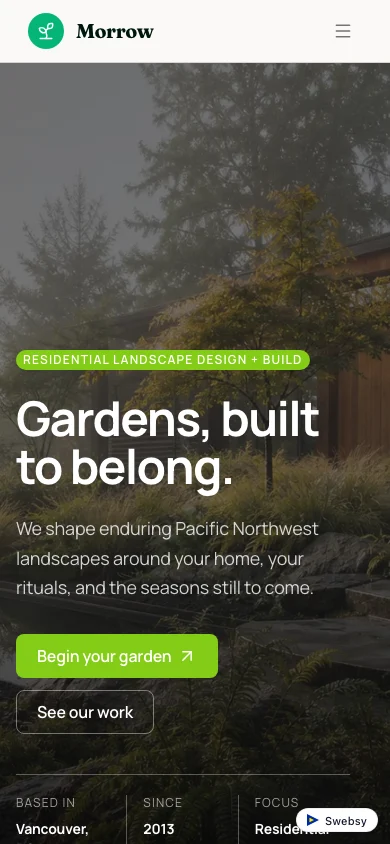
Section titled “2. Put the useful stuff at the top”Replace the hero heading with what you do and where. “Garden design and installation in your service area” shows the shape. Don’t copy it word for word.
Use the text below it to say what kind of jobs you take. The main button should say “Request a quote”, “Call the workshop” or whatever people will really do.
A big photo sets the scene, but it shouldn’t shove your contact details off the screen. Keep checking the phone view while you edit.
3. Describe services, including the limits
Section titled “3. Describe services, including the limits”Give each service a heading and a short description of what the customer gets. Mention what you need from them where it matters. A consultation might need photos or an address. A repair service might only cover certain equipment.
Services with very different details? Give them separate pages. Short ones people want to compare? Keep them in sections on one page.
Only keep a page if you can fill it with something useful. A smaller, complete site beats one with an empty Projects page.
4. Make it easy to get in touch
Section titled “4. Make it easy to get in touch”For phone, use a tel: link with the right number. For email, use a mailto:
link and say what details help you reply. Both need the visitor to have a phone
or email app set up.
A quote form can ask for a name, reply address, service type and a short description of the job. Don’t make people fill in stuff you don’t need.
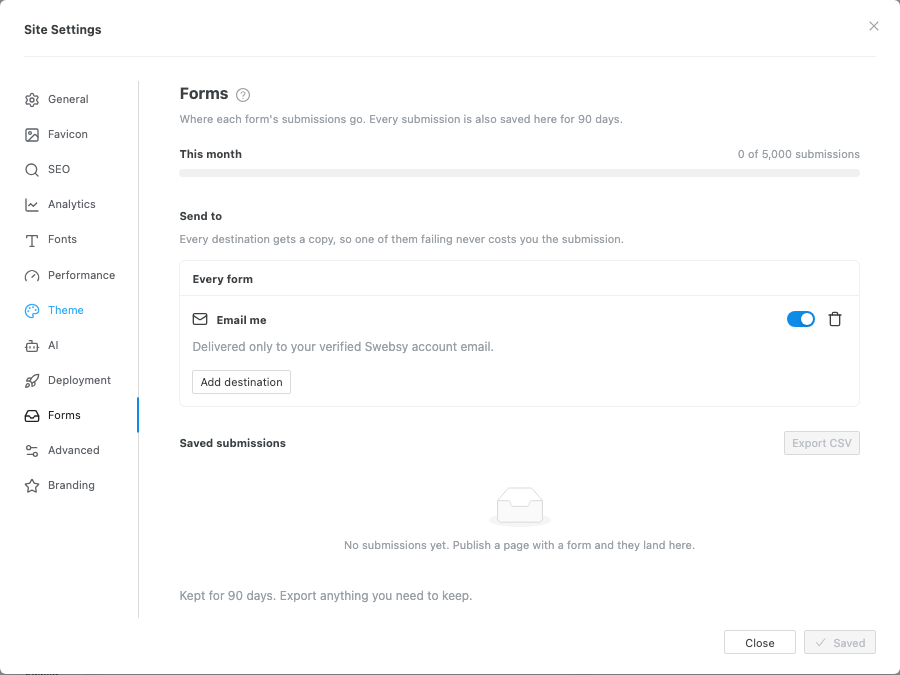
On Swebsy Hosting, use Collect with Swebsy. On another host, set up Post to my own URL with an HTTPS receiver that fits. See Forms.
For bookings, link straight to the right service or appointment page in your booking tool, and check the timezone, location and availability there. The link on your site doesn’t manage your calendar.
5. Add location details that help
Section titled “5. Add location details that help”If customers come to you, show the address. Add directions or a map link, and useful arrival details like the entrance or parking, if they’re accurate.
Keep opening hours as real text, not an image. If they change, say where the latest hours live and who updates them. Make sure they match everywhere else you list them.
Travel to customers? Describe your area. Don’t pretend every town has an office.
6. Publish, test, and decide who owns it
Section titled “6. Publish, test, and decide who owns it”Set the page titles, description and site URL before you export or deploy. Use a domain you control, and make sure whoever runs the business can get to the renewal details.
Once it’s live, check it on a phone, click every page link, try the contact action, and send a real form submission with your own details. A preview doesn’t prove anything arrives.
Keep the editable backup, and decide who updates prices, hours and availability. A quick regular check keeps a nice-looking site from quietly going wrong.